Network engineering is 10% configuring routers and 90% explaining to people why you can’t “just add more bandwidth.” The memes we share aren’t just funny — they’re coping mechanisms for the trauma of undocumented changes, 3 AM bridge calls, and users who swear they “didn’t change anything.”
Here are some of the best network memes making the rounds — and the painful, beautiful truth behind each one.
The Distracted Boyfriend: Quick Fix vs. Change Management
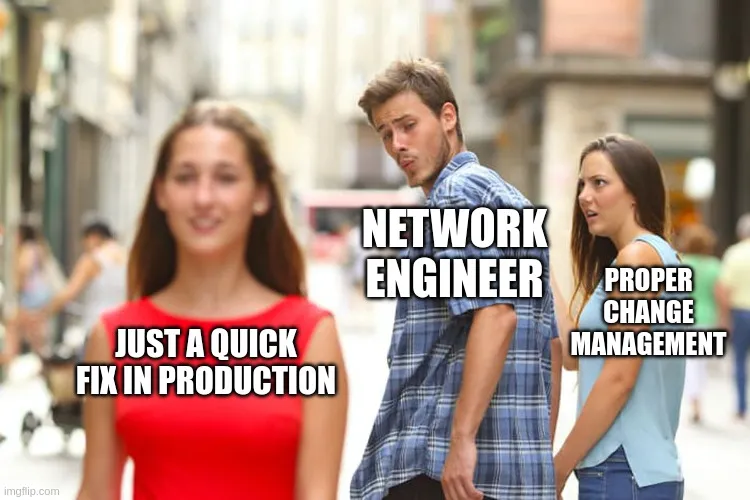
You know the meme. The boyfriend (NETWORK ENGINEER) is turning his head toward the passing woman (JUST A QUICK FIX IN PRODUCTION) while his girlfriend (PROPER CHANGE MANAGEMENT) looks on in betrayal.
We’ve all been there. It’s 4:47 PM on a Friday. Something’s broken. The change window isn’t until Tuesday. But you know it’s just one command. One little no shut. What could go wrong?
Everything. Everything could go wrong.
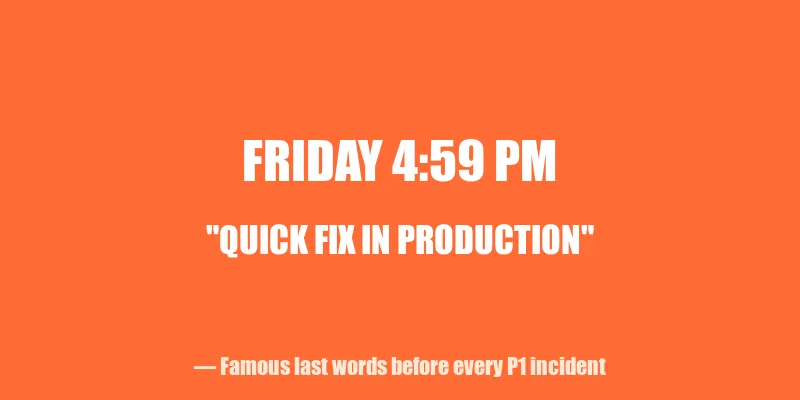
The dirty secret of network engineering is that “quick fixes” are the number one source of outages. Not hardware failures. Not software bugs. Engineers who thought they’d be in and out in five minutes. The road to a P1 incident is paved with “I’ll just document it later.”
The lesson: Change management exists because past-you was also confident. Past-you was wrong.
The Volturi: Unannounced Decommissions
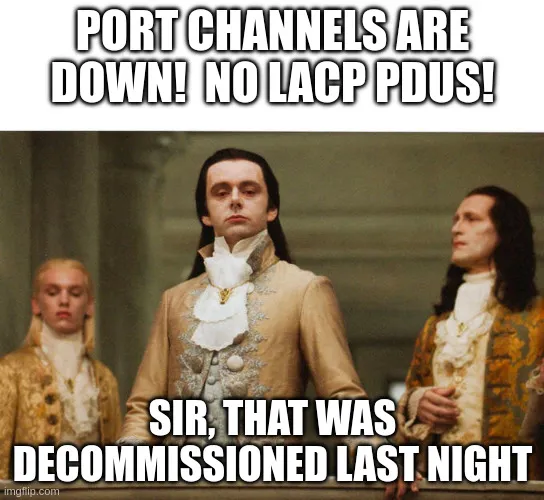
Picture the Volturi from Twilight — ancient, regal vampires who have decided your fate before you even knew there was a trial. Now add the caption: “PORT CHANNELS ARE DOWN! NO LACP PDUs!” / “Sir, that was decommissioned last night.”
This one hits different when you’ve spent two hours troubleshooting a circuit that no longer exists. You’ve checked the config. You’ve bounced the interface. You’ve opened a ticket with the carrier. You’re starting to question your understanding of spanning tree.
Then someone casually mentions in a Teams chat that the server team decommissioned that rack last night. No change ticket. No notification. No email. Just… gone. Like it never existed.
The worst part? When you ask why there was no communication, you get: “Oh, we sent an email to the infrastructure distribution list.” The one that gets 400 emails a day. The one nobody reads.
The lesson: If a tree falls in the forest and the change advisory board wasn’t notified, it will absolutely take down production.
QoS Royalty: Video Packets Looking Down on Everyone Else

The Volturi return — this time representing how video and voice packets look at other packets on the network. That aristocratic disdain? That’s DSCP EF traffic walking past your best-effort HTTP downloads.
Quality of Service is one of those things that sounds simple in theory. Just mark the important traffic and prioritize it! In practice, it’s a political nightmare. Every application owner thinks their traffic deserves priority. The video conferencing team wants EF marking. The database team wants assured forwarding. Karen from accounting wants her Spotify stream classified as business-critical.
And here’s the real joke: half the time, QoS policies are configured on switches that never see congestion. You’ve spent three weeks in meetings arguing about queuing strategies for a 10 Gbps link running at 2% utilization.
But when congestion does hit? Those priority markings are the difference between a clean Webex call and your CEO looking like a Minecraft character in front of the board. So we configure it. We test it. We argue about it. And the EF packets continue their aristocratic march through the network, blissfully unaware of the peasant traffic being dropped behind them.
The lesson: QoS doesn’t matter until it does. And when it does, you’ll wish you’d spent more time on it.
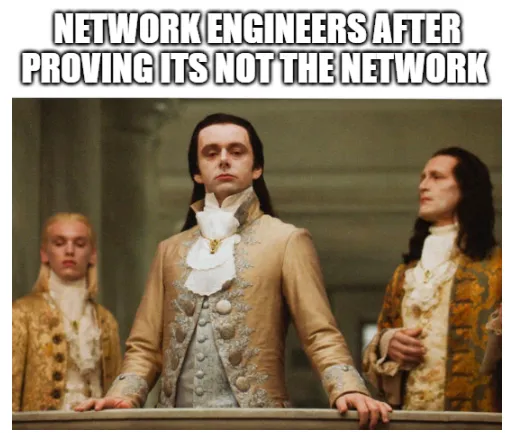
”It’s Not a Network Problem”
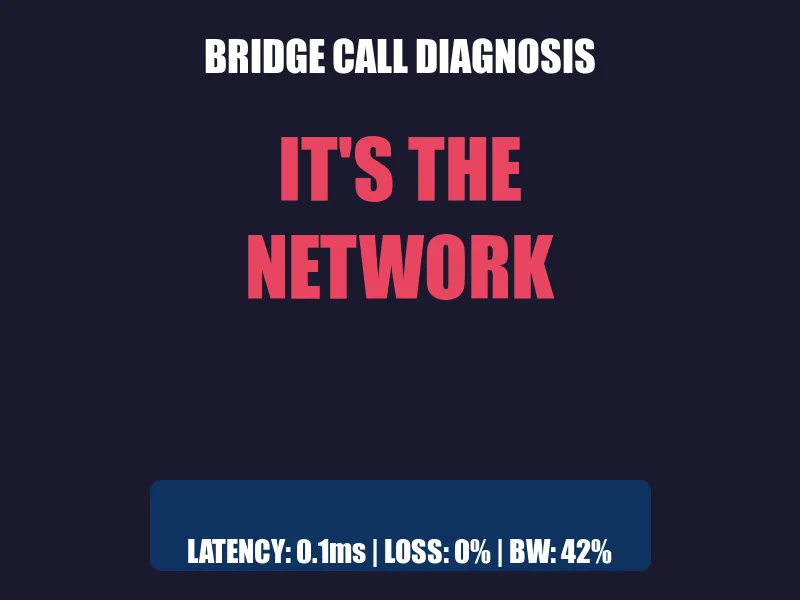
No meme collection is complete without addressing the universal network engineer experience: everything is a network problem until proven otherwise.
Application slow? Network problem. Database timeout? Network problem. Coffee machine broken? Probably a network problem.
We’ve all sat on bridge calls where fifteen people from different teams are present, and the first ten minutes are spent explaining that 0.1ms latency and 0% packet loss means the network is fine. Then you watch in real time as someone discovers the application server has been running at 100% CPU for three days.
Does anyone apologize? Of course not. They just silently drop off the call. And next week, when something else breaks, the first ticket will be assigned to… the network team.
The lesson: Buy a packet capture tool. Learn to love Wireshark. Your innocence must be provable.
The “I Didn’t Change Anything” User
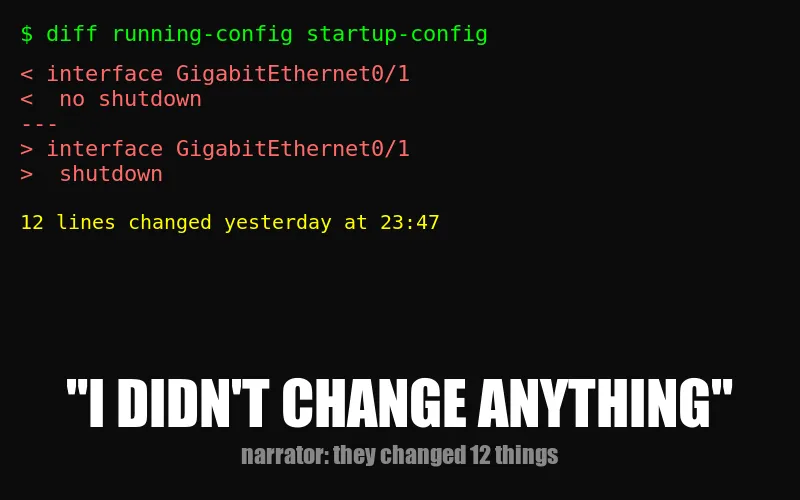
Narrator: They changed something.
This one transcends memes. It’s a universal constant, like the speed of light or the fact that DNS is always the problem. A user will look you dead in the eye (or type it confidently in a ticket) and say “nothing changed on our end” while you’re staring at config diffs that show twelve changes made yesterday.
The advanced version is “we made a change, but it shouldn’t affect anything.” That’s network engineer for “we made a change and we have no idea what it affects.”
The lesson: Trust, but verify. Then verify again. Then check the logs.
It’s Always DNS
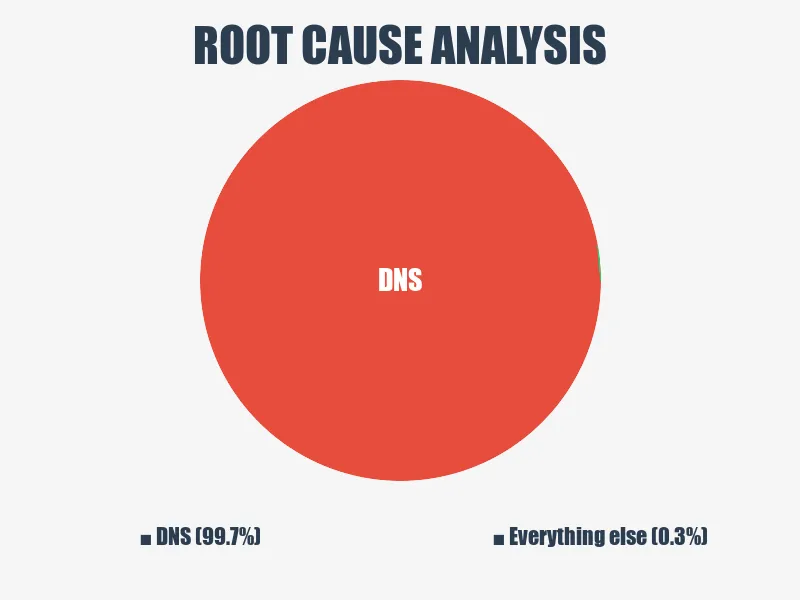
There’s a reason this joke never dies. Because DNS never stops being the problem.
You’ve been troubleshooting for an hour. You’ve checked routing tables, firewall rules, NAT translations, ACLs. You’ve traced packets through six hops. You’ve questioned your career choices. Then someone says “have you tried nslookup?” and suddenly everything unravels.
Stale cache. Wrong record. TTL that hasn’t expired. CNAME pointing to a decommissioned host (see: Volturi, above). An A record that someone updated in the wrong zone file three weeks ago.
The pie chart doesn’t lie: when you finally find root cause, it’s DNS about 99.7% of the time. The other 0.3% is also DNS — you just haven’t figured that out yet.
The lesson: When in doubt, flush the cache. When not in doubt, flush the cache anyway.
Have You Been Exposed to IPv6 at Work?
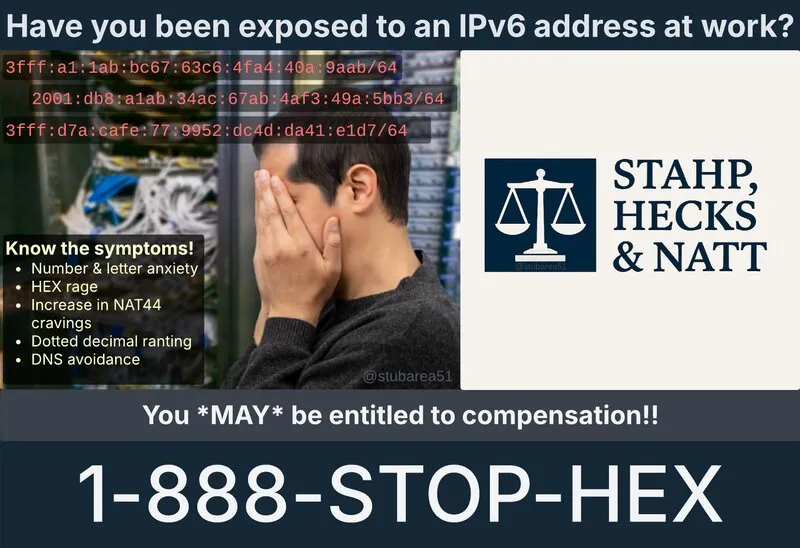
IPv6 has been “the future of networking” since 1998. It’s 2026 and most of us are still clinging to IPv4 like it’s a life raft, NATting everything in sight and pretending the address exhaustion problem isn’t real.
Then one day, you’re minding your own business and someone drops a 2001:db8:a1ab:34ac:67ab:4af3:49a:5bb3/64 into a ticket. Your eye twitches. Your hands start shaking. You develop what the law firm of Stahp, Hecks & Natt calls “HEX rage.”
Know the symptoms:
- Number & letter anxiety — Is that an
aor a4? Is that hex or did someone have a stroke on the keyboard? - NAT44 cravings — “What if we just… NAT it again? Double NAT never hurt anyone, right?”
- Dotted decimal ranting — “Four octets! That’s all we need! Four beautiful, predictable octets!”
- DNS avoidance — Because AAAA records are four times worse than A records
The truth is, IPv6 is technically superior in every way. It’s also an absolute nightmare to read, type, troubleshoot, or explain to management. You try telling a VP that fe80::1 is a link-local address and watch their eyes glaze over faster than during your last budget presentation.
We’ve been “transitioning” to IPv6 for almost three decades now. At this rate, we’ll achieve full adoption roughly around the heat death of the universe. Until then: 1-888-STOP-HEX. Operators are standing by.
The lesson: IPv6 is inevitable. Your suffering is also inevitable. These are related.
Layer 8 & the Tools We Endure

The OSI model has seven layers. Physical, data link, network, transport, session, presentation, application. Memorized it for your CCNA, forgot it immediately, relearned it for your next cert. But experienced engineers know there’s a secret eighth layer: the user.
Layer 8 problems can’t be solved with configuration. You can’t no shut a person. You can’t apply a QoS policy to someone’s decision-making. Layer 8 is the coworker who plugs a switch into itself and creates a broadcast storm. It’s the manager who approves a firewall rule that opens port 22 to the internet “just for testing.” It’s you, at 3 AM, fat-fingering a subnet mask.
And then there are the tools they make us use.
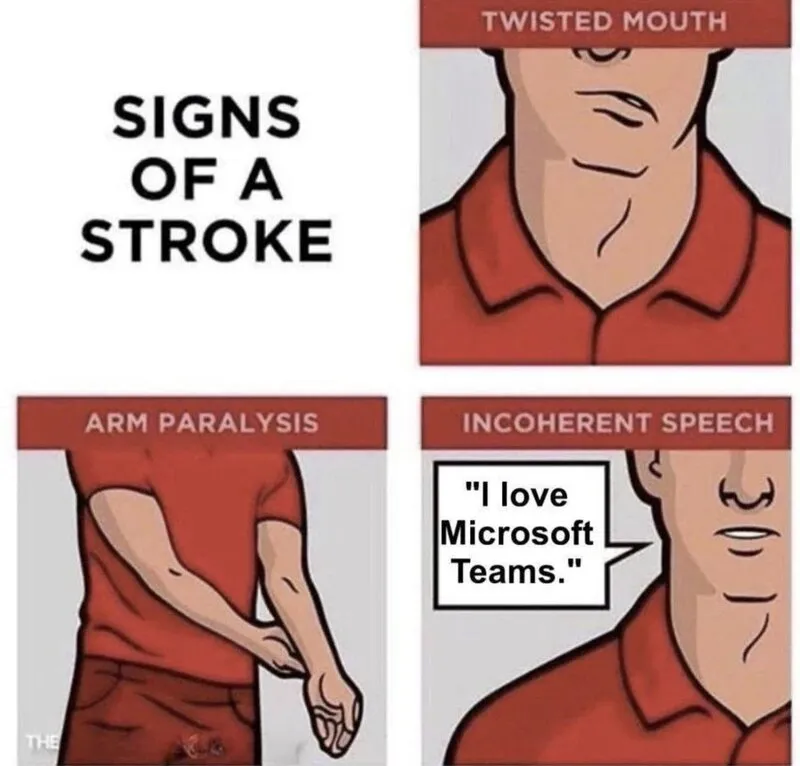
Every enterprise network engineer has a love-hate relationship with their collaboration tools — emphasis on hate. Microsoft Teams consumes bandwidth like a black hole, drops calls at the worst possible moments, and somehow manages to be both bloated and missing basic features simultaneously.
But you can’t say that out loud because your company just signed a five-year E5 license agreement. So you smile, unmute yourself for the third time because Teams muted you again, and type “can everyone see my screen?” into a void that may or may not be connected.
The lesson: The network is almost never the problem. But the people using it? That’s a different story. And the tools those people force you to use? That’s the real tragedy.
Vendor Documentation: A Horror Story

Every network engineer remembers the moment they cracked open their first vendor documentation. You thought it would be approachable. Maybe even educational. Then you opened the Nokia SR OS CLI reference and realized it’s 4,000 pages of commands that all look the same, written by someone who clearly hates you.
The three stages of vendor documentation:
- Optimism — “Oh cool, let me just look up how to configure this.”
- Confusion — “Wait, why are there seven different ways to do this and none of them match the version I’m running?”
- Defeat — crying in shopping cart
And it’s not just Nokia. Cisco’s configuration guides have more volumes than Game of Thrones. Juniper’s documentation assumes you already know Juniper. Fortinet’s docs are actually pretty good — which is suspicious and makes you trust them less.
The real skill in network engineering isn’t configuring routers. It’s knowing which page of a 6,000-page PDF has the one command you need, and accepting that the example config will never match your environment.
The lesson: If the documentation makes sense on the first read, you’re reading the wrong documentation.
Why We Meme
Network engineers meme because the alternative is screaming into the void at 2 AM while waiting for a TAC callback. These jokes aren’t just funny — they’re shared trauma, compressed into image macros. Every network engineer who sees the distracted boyfriend meme doesn’t just laugh. They remember. They remember the time they made that quick fix. They remember the outage. They remember the post-mortem.
Memes are our oral tradition. They pass down wisdom that no Cisco Press book could capture: don’t touch production on Fridays, always check the change calendar, and never trust anyone who says “it’s just a small change.”
Now if you’ll excuse me, I need to go check why OSPF adjacencies are flapping. Someone probably “didn’t change anything.”
What’s your favorite network meme? The ones that hurt the most are usually the truest. Find me on X/Twitter — I’m always down to trade war stories.